
Productivity · Android · Free · Pro upgrade
PDF Master
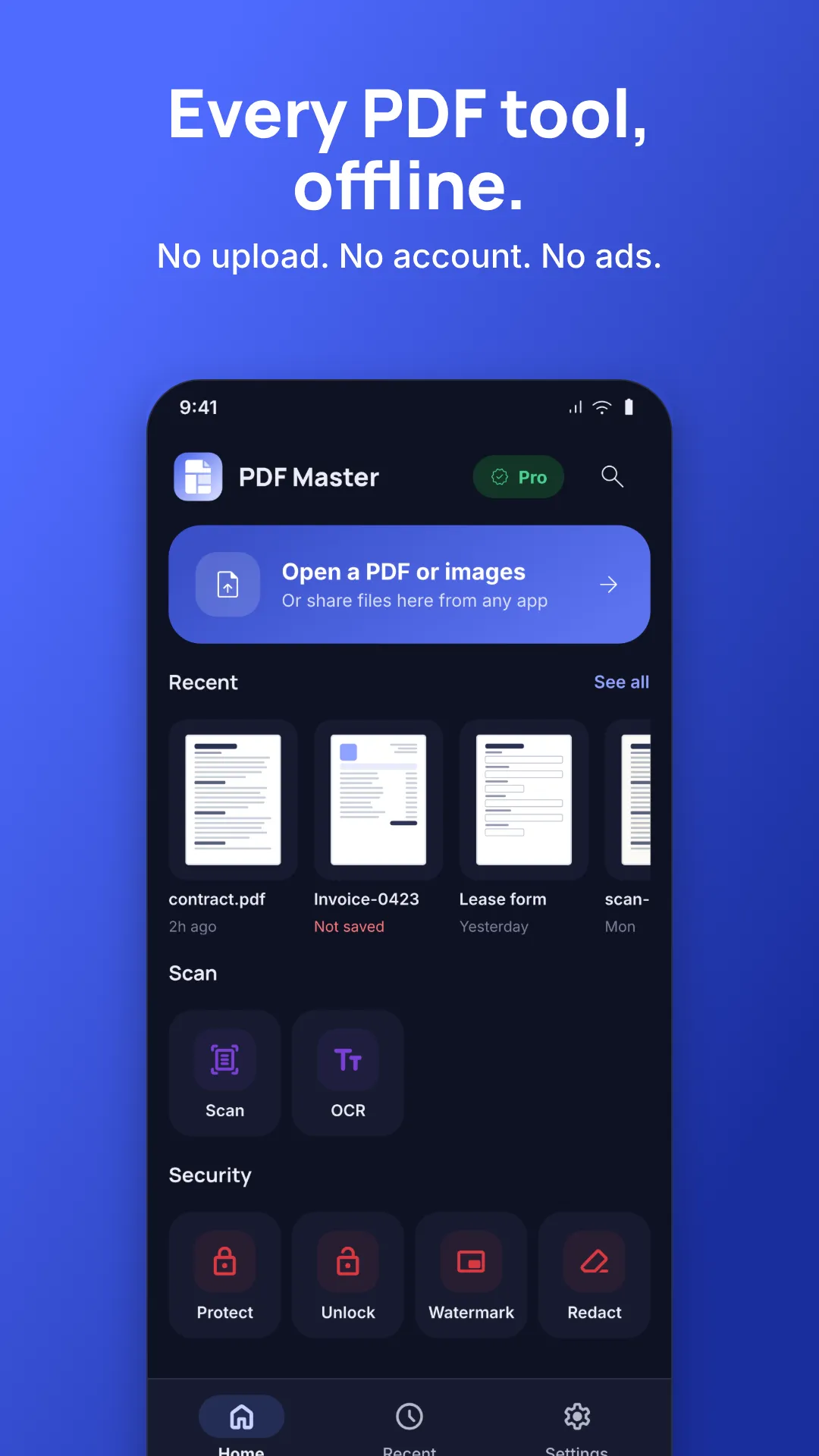
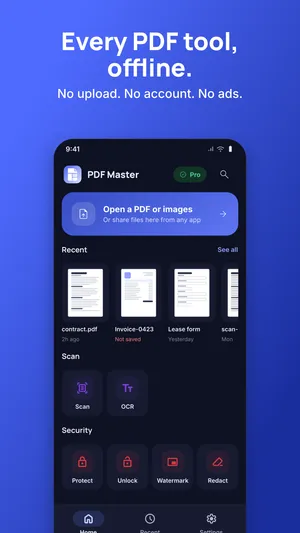
Every PDF tool, offline. No upload, no account, no ads.
Merge, split, compress, scan, sign, fill forms, protect and convert, entirely on your phone. A free download, with a Pro upgrade you pay for once or by subscription.
Coming soon to Google Play
- Google Play
- Coming soon
- Price
- Free download · Pro: pay once or subscribe
Screens
Inside PDF Master
About this app
PDF Master does the PDF jobs you would normally upload to a website, entirely on your phone. Your files never leave your phone. There is no upload, no account, no login and no ads. Every tool works in airplane mode.
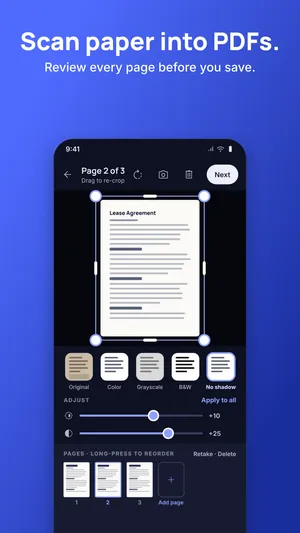
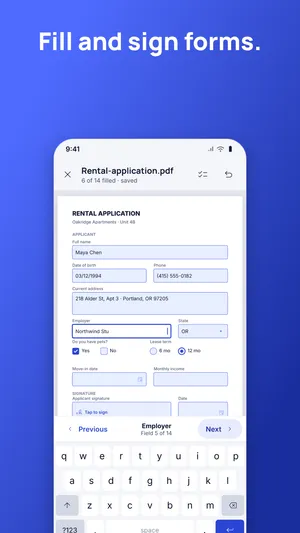
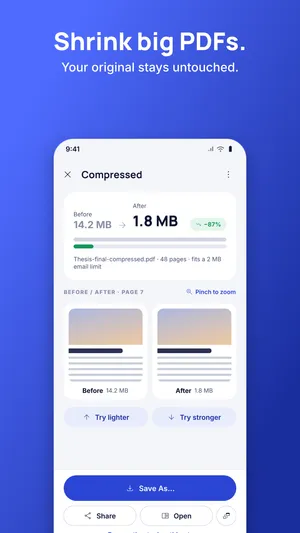
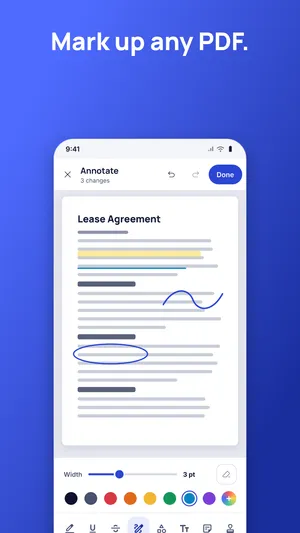
Merge, split, compress, scan, sign, fill forms, protect and convert: pick your files, get a new file where you choose, and your original stays untouched.
Free, no limits
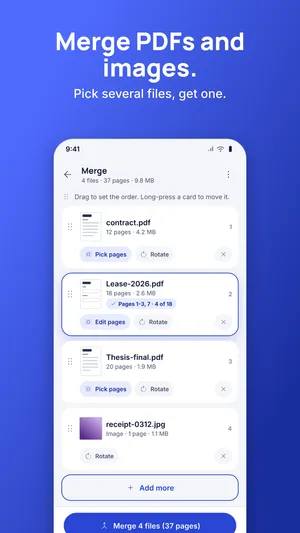
- Merge: pick several PDFs and images
- Split, Organize pages, Remove pages, Rotate
- Images → PDF: pick many photos at once
- Crop & resize
- Open viewer, Bookmarks
Pro
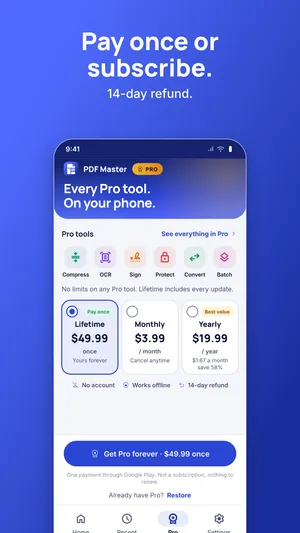
- Compress, Repair, Metadata
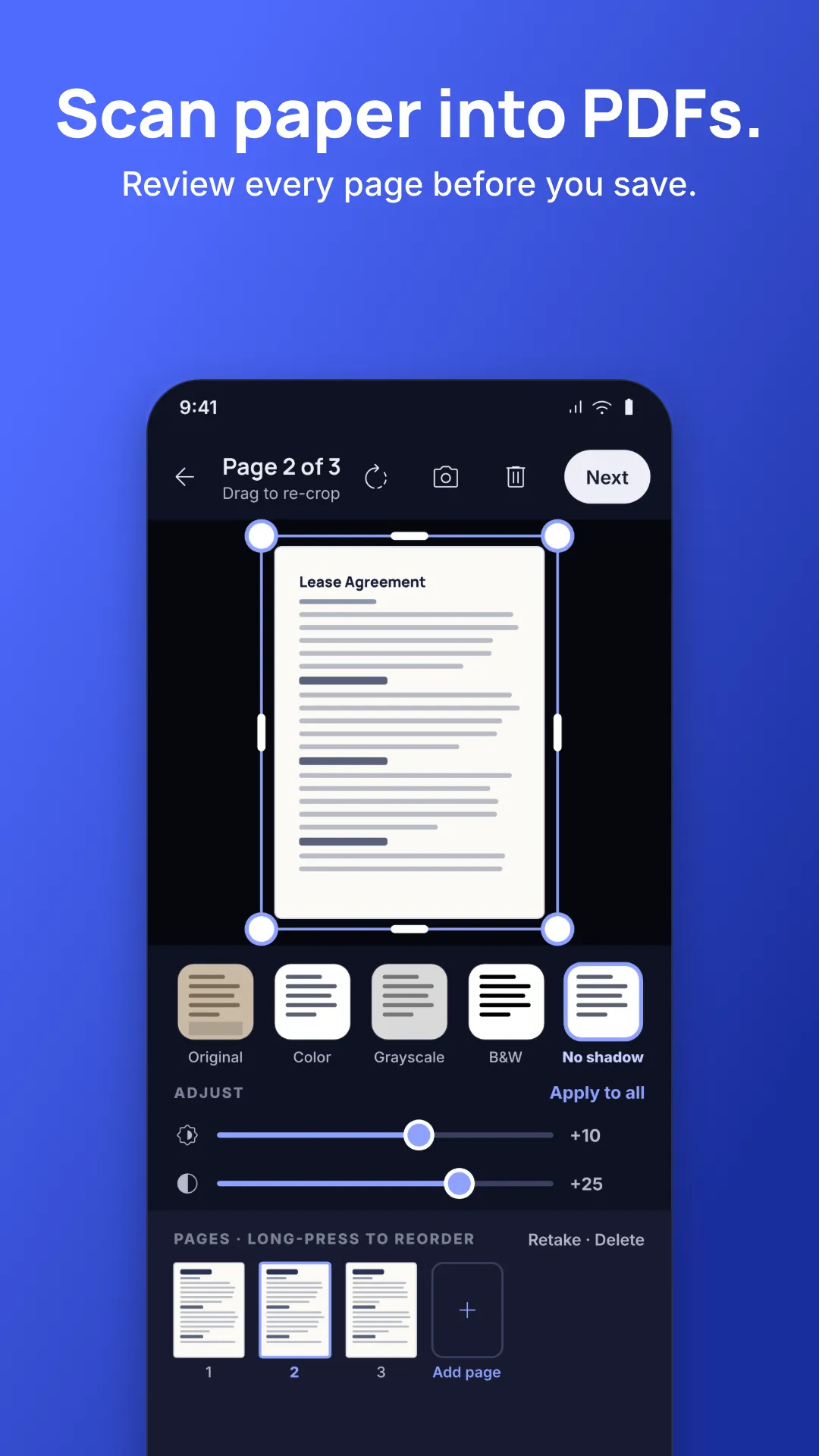
- Scan and OCR: turn paper into clean, searchable PDFs
- Protect, Unlock, Watermark, Redact
- Sign, Fill forms, Create forms, Edit text, Page numbers
- Pages per sheet, Compare, Read aloud
- PDF → PowerPoint, PDF → Markdown, PDF → Images, HTML → PDF, Extract images
- Batch (one tool on many files) and Chains (save a few steps as one tap)
Subscribe or pay once
Pro is one unlock with every Pro tool: Lifetime (pay once, includes every update), Monthly or Yearly. The price is on the first screen. No trial tricks, nothing hidden, and a 7-day refund. No daily, page or size limits on anything you paid for.
Built for trust
- No all-files permission. You choose files with the system picker.
- Output goes where you choose; the original is never overwritten.
- If something goes wrong, the app says what happened and what to do.
- Light, dark and your choice of accent colour.
Legal documents
Also by AppWiz
More from the workshop.

News & Magazines · Android
Bangla NewsPaper
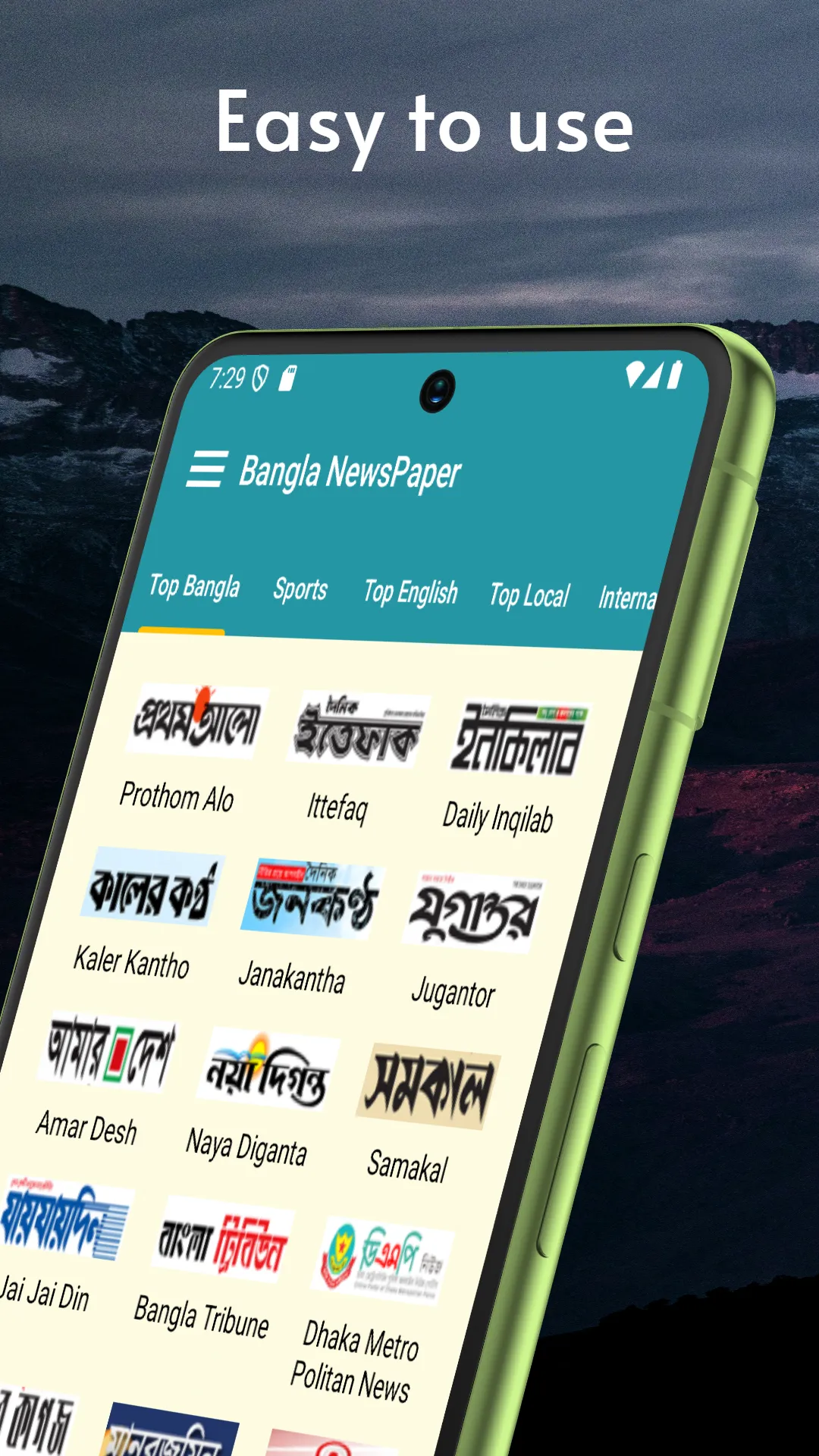
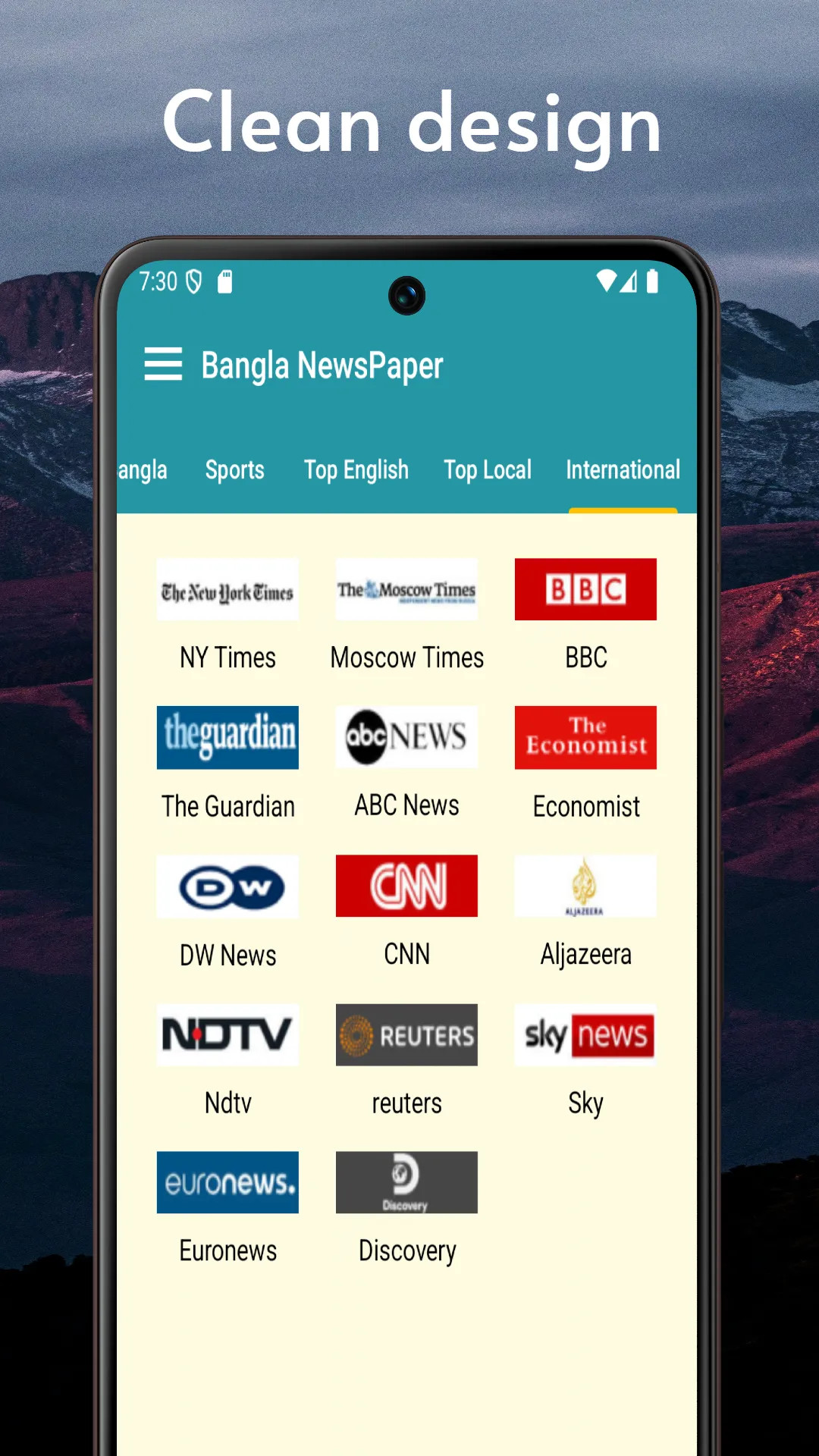
The day's Bangla headlines in one quiet place. No personal data collected.
Trusted Bangla sources, always named, in a clean ad-free reader. A simple, high-contrast interface older family members can use without fighting the phone.
- Ad-free
- No personal data collected
- Elderly-friendly UI
- Real-time sources

Education · Android
Rabbit Care
A daily companion for rabbit owners. No noise, no upsells, no ads.
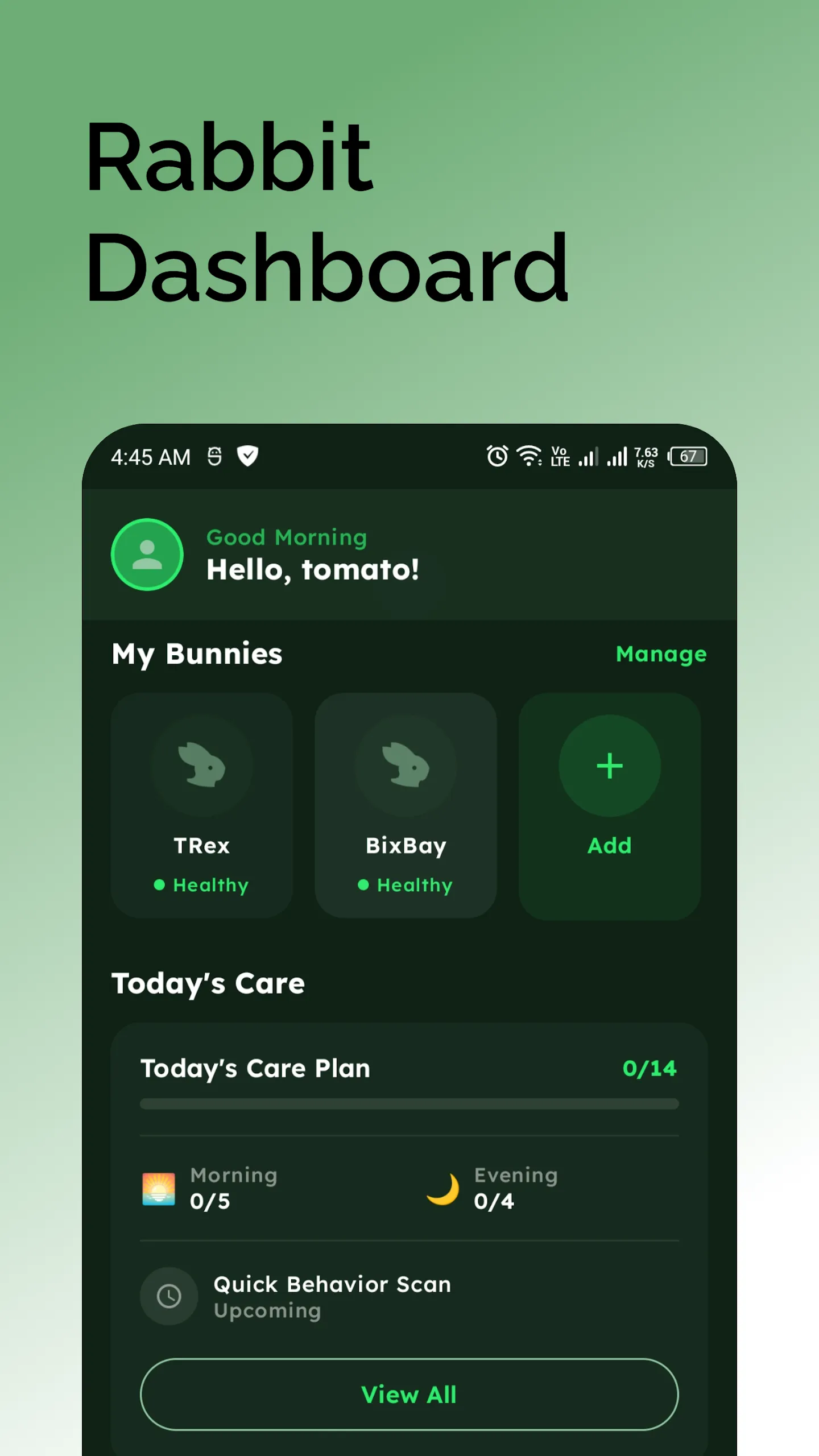
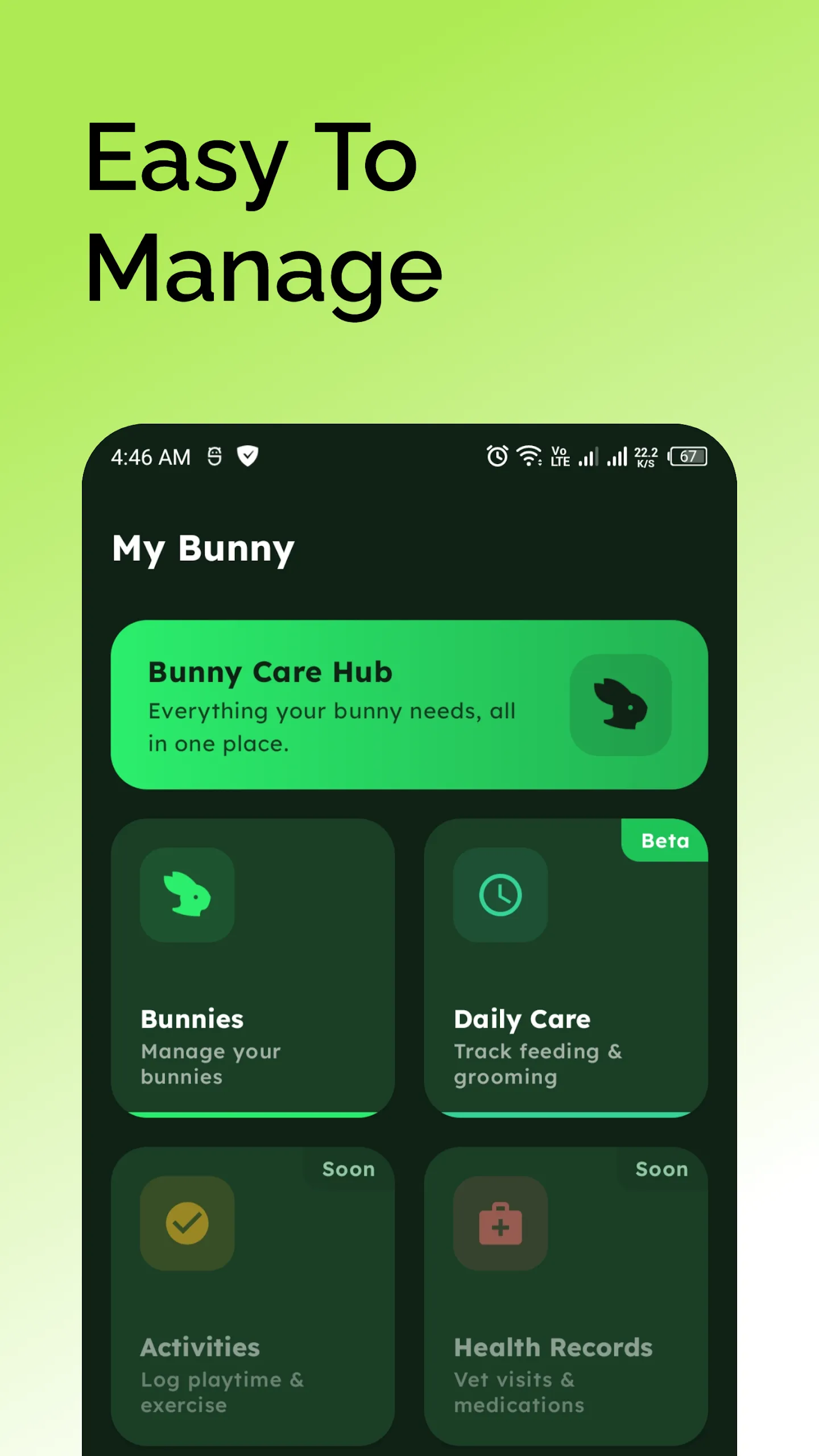
Bunny profiles, smart reminders, guided care plans and expert guides — plus a community Q&A for the lopsided appetite and the mysterious thump.
- Bunny profiles
- Smart reminders
- Care plans
- Expert guides
Start a project
Want a product built with the same care? Start here.
Software, web or mobile — start with a message and a short discovery call. You'll get a written scope with a timeline.